✕
A Quick Look plugin for macOS. Select any .md file in Finder, press Space, and see it rendered instantly — no app launch needed.
Markdown rendered in Quick Look — exactly as you'd see it in a browser.
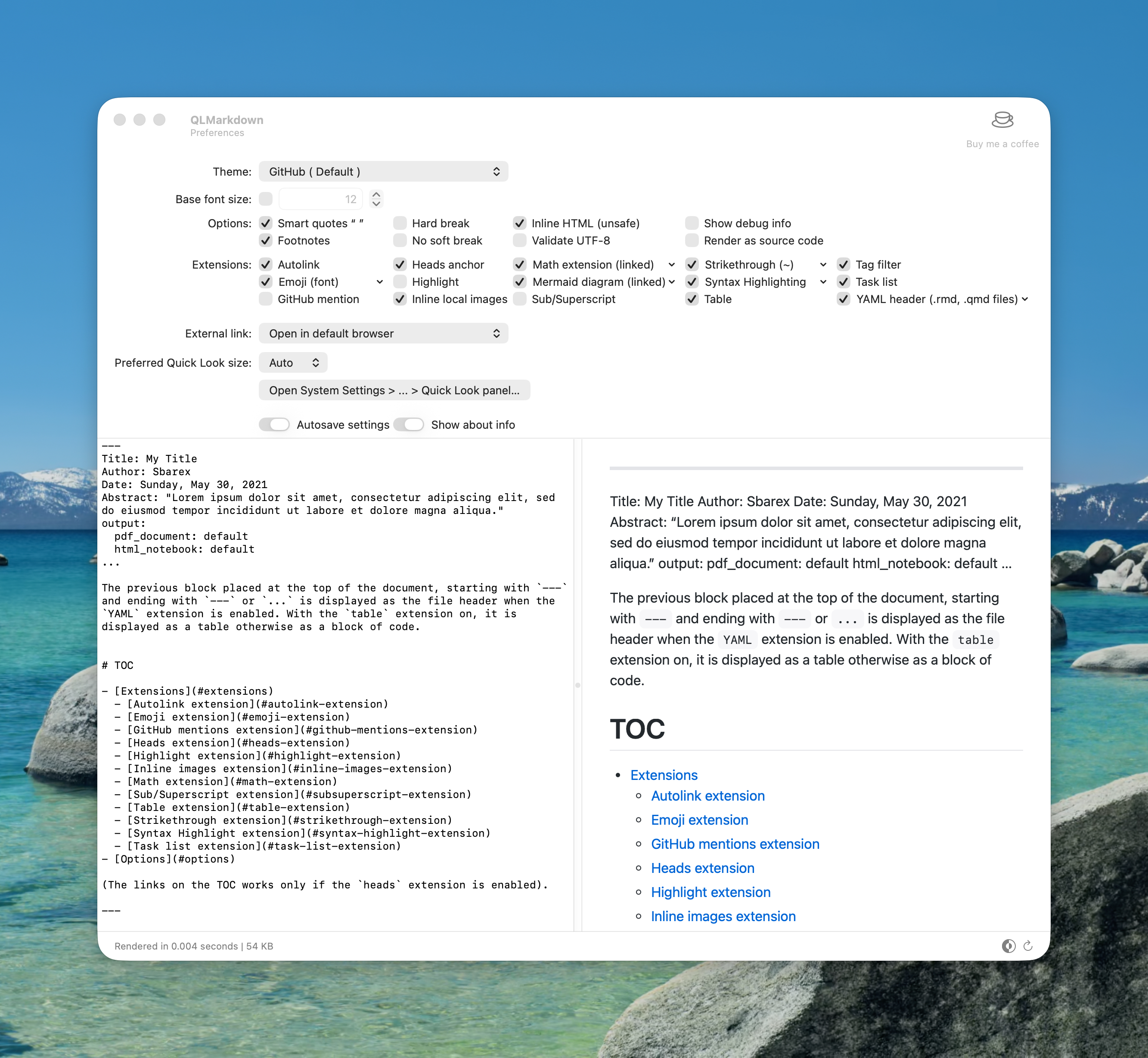
Choose theme, font size, and syntax highlighting style.
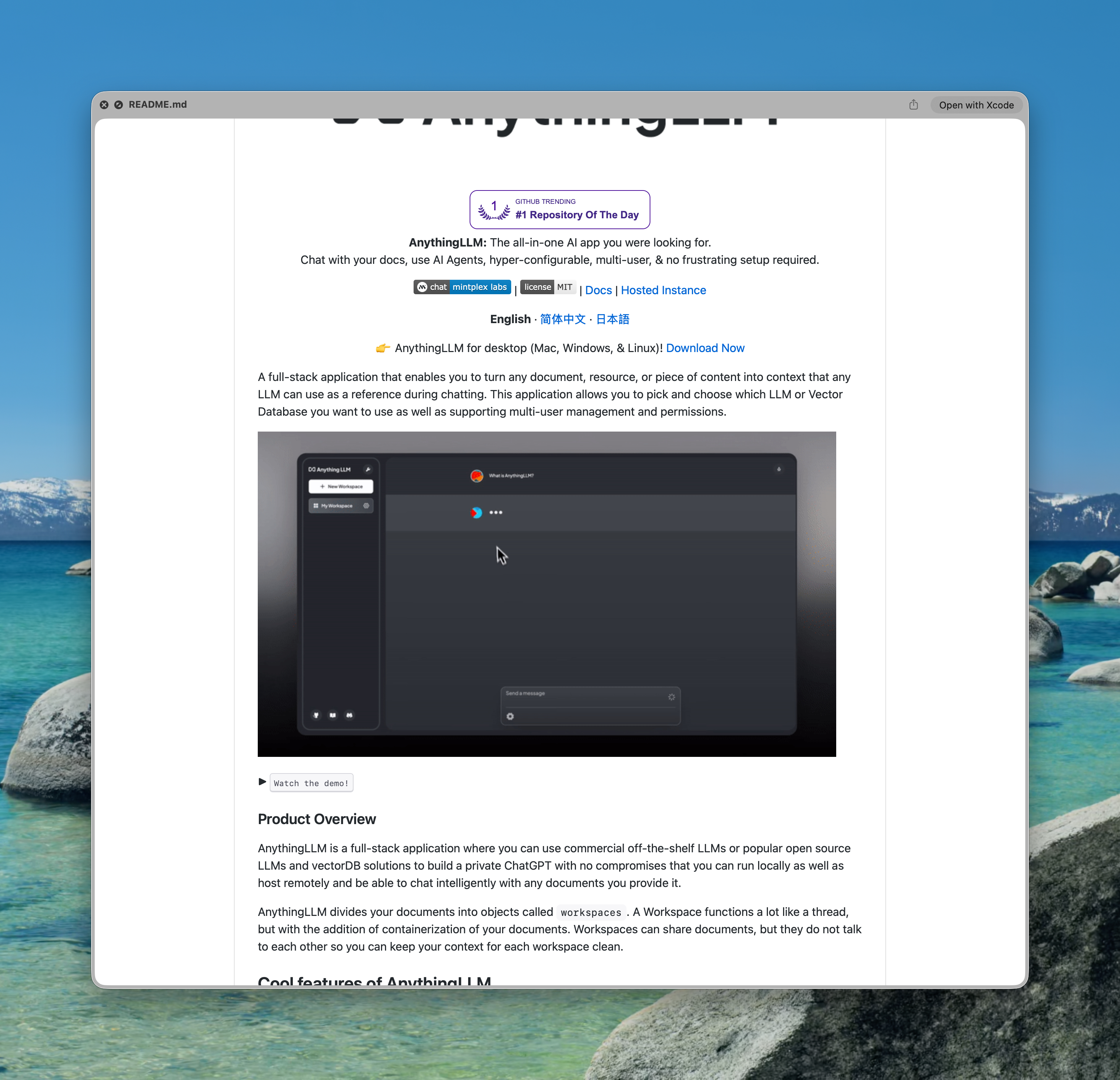
Headings, lists, code blocks, and links rendered in full.
Installs once. Works everywhere in Finder.
Select any .md file in Finder and press Space. The preview appears instantly — no app to open.
Code blocks are highlighted with language-specific colors, making technical documentation easy to read at a glance.
Automatically follows your macOS appearance setting, or pin a preferred theme in Settings.
Headings, bold, italic, tables, blockquotes, ordered and unordered lists, fenced code blocks, inline code, and links.
This is a simplified build based on the excellent open-source QLMarkdown by sbarex. The original project offers additional rendering options, theming, and active development. If you find this useful, please consider downloading the original version and supporting the author directly — open-source work like this deserves it.
View the original QLMarkdown on GitHub →Drop the plugin into your Library and Quick Look picks it up automatically. No restart required.